
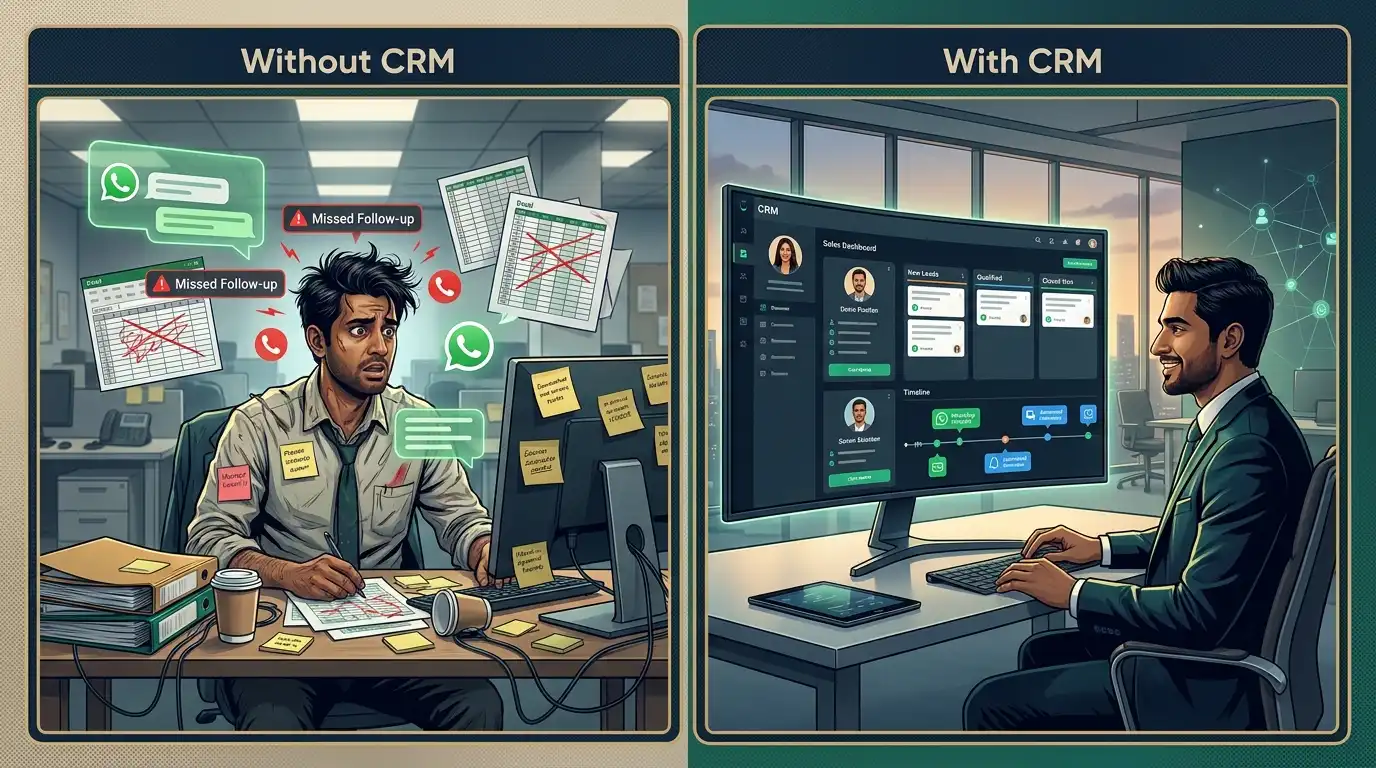
Running a small business in India often means managing far more customer conversations than you realize.
A lead may come through WhatsApp in the morning, another through a website form, someone may call your sales team, another inquiry may arrive through Facebook, and a potential customer may contact you through a marketplace such as IndiaMART.
The problem isn’t always generating leads.
The problem is keeping track of all of them .
Which salesperson spoke to the customer?
Was the quotation sent?
When should the team follow up?
Did the customer respond on WhatsApp?
Which leads are likely to convert?
And how many opportunities were actually lost because nobody followed up?
This is where CRM software for small businesses in India can make a significant difference.
A CRM, or Customer Relationship Management system, brings customer information, lead tracking, sales activities, follow-ups, and communication into a centralized system.
But not every CRM is suitable for a small business.
The best CRM isn’t necessarily the one with the largest number of features. It is the one that your team can actually use every day to capture leads, organize customer information, follow up consistently, and close more opportunities.
So, what should a small business look for when choosing CRM software?
What Is CRM Software?
CRM stands for Customer Relationship Management .
In simple terms, CRM software helps businesses manage their relationships with potential and existing customers.
Instead of keeping customer information across spreadsheets, notebooks, WhatsApp chats, emails, and individual salesperson records, a CRM brings that information into one organized system.
A typical customer journey might look like:
Lead → Contact → Follow-up → Opportunity → Proposal → Negotiation → Won/Lost → Customer
A CRM helps the sales team track where each lead currently stands.
For a business owner, this creates something even more valuable:
visibility.
You can see what is happening with your sales pipeline without asking every salesperson for an update.
Why Do Small Businesses in India Need a CRM?
A common misconception is that CRM software is only useful for large companies with hundreds of employees.
In reality, small businesses can benefit significantly from a CRM because they often operate with limited teams and resources.
Consider a business receiving 100 inquiries every month.
If those leads are managed through:
- Phone calls
- Excel sheets
- Social media
- Website forms
- Personal notebooks
it becomes increasingly difficult to maintain consistency.
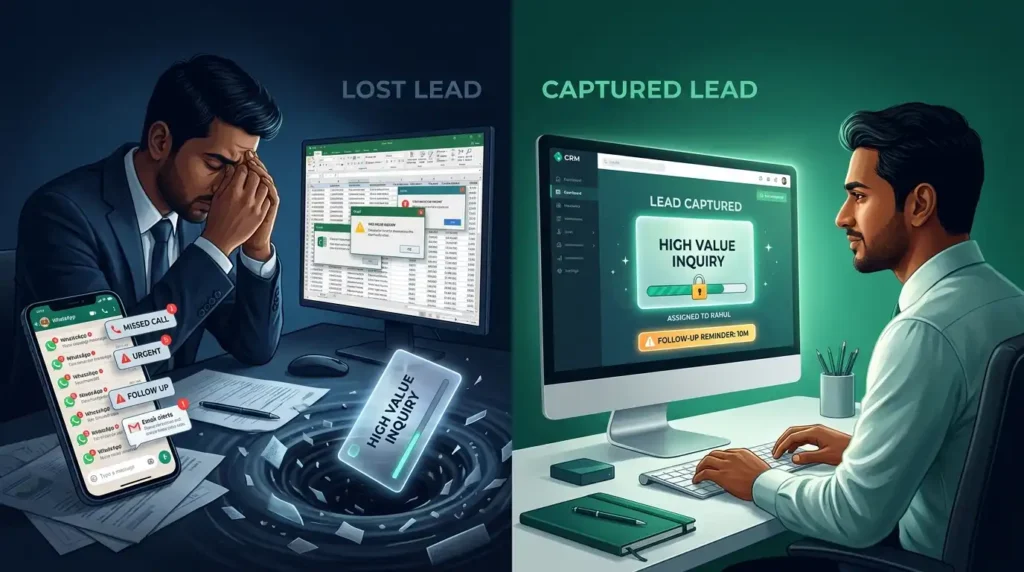
One missed follow-up can mean one lost customer.
Multiply that across dozens of leads and the financial impact can become significant.
A CRM helps create a structured process:
Capture → Assign → Follow Up → Track → Convert
The Biggest Problems a CRM Can Solve
Before choosing CRM software, identify the actual problem your business is trying to solve.
1. Missed Leads
Leads can arrive from multiple channels.
If there is no central system, some inquiries can get overlooked.
A CRM can bring leads into one centralized workspace.
2. Missed Follow-Ups
A salesperson may speak with a prospect today and plan to call again next week.
Without a reminder system, that follow-up can easily disappear from the salesperson’s task list.
CRM reminders and automated workflows can reduce this problem.
3. Scattered Customer Information
Customer information should not exist only inside one employee’s phone.
A centralized CRM allows authorized team members to access customer information and interaction history.
4. No Clear Sales Pipeline
Business owners often want to know:
How many leads are currently active?
How many quotations are pending?
Which deals are close to conversion?
Where are leads getting stuck?
A visual sales pipeline can make these questions much easier to answer.
5. Manual Data Entry
Salespeople shouldn’t spend most of their day copying customer details between different systems.
Automation can reduce repetitive data-entry work.
What Should You Look For in CRM Software for Small Business India?
This is the most important part of choosing a CRM.
Instead of choosing software based on how impressive its feature list looks, evaluate whether it solves the problems your sales team actually experiences.
1. Lead Management
Lead management should be one of the CRM’s core capabilities.
You should be able to:
- Capture leads
- Store lead information
- Assign leads
- Track lead status
- Record interactions
- Schedule follow-ups
- Move leads through different stages
- Mark leads as won or lost
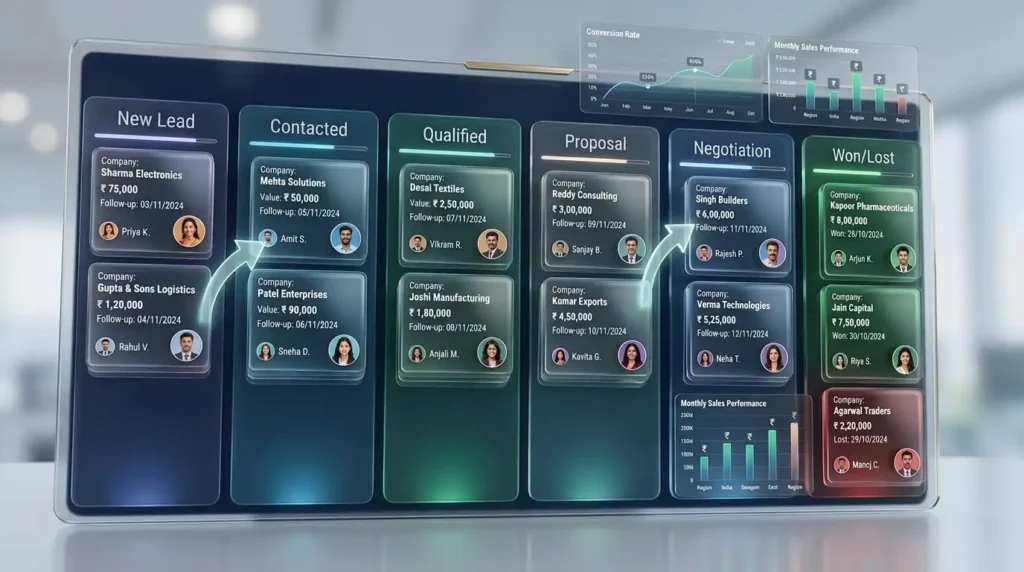
A simple pipeline might look like:
New Lead → Contacted → Qualified → Proposal → Negotiation → Won
The exact stages should depend on your business.
2. Multiple Lead Sources
This is especially important for Indian small and medium-sized businesses.
Your customers may not use a single channel.
Leads can come from:
- Website forms
- IndiaMART
- Justdial
- Phone calls
- Manual entries
- Advertising campaigns
If every lead is stored separately, your sales process becomes fragmented.
A good CRM should help centralize these sources.
Ocean CRM, for example, currently supports lead capture from Facebook, WhatsApp, IndiaMART, Justdial, website forms and other sources, with new integrations being added over time.
3. Centralized Customer Information
A CRM should give your team a complete view of a customer.
Depending on the system, this can include:
- Name
- Phone number
- Company
- Lead source
- Salesperson
- Previous conversations
- Notes
- Tasks
- Follow-ups
- Deal status
- Documents
The goal is simple:
Anyone who needs the information should be able to understand the customer’s history without searching through multiple applications.
4. Sales Pipeline Management
A sales pipeline shows where leads are in the buying process.
For example:
| Stage | Meaning |
|---|---|
| New Lead | Inquiry has been received |
| Contacted | Salesperson has contacted the prospect |
| Qualified | Prospect appears relevant |
| Proposal | Quotation/proposal has been shared |
| Negotiation | Commercial discussion is ongoing |
| Won | Customer converted |
| Lost | Opportunity did not convert |
This helps management understand the health of the sales process.
5. Follow-Up Reminders
A CRM should make follow-ups difficult to forget.
For example:
Monday: New inquiry received
Tuesday: Salesperson contacts customer
Wednesday: Product information sent
Friday: Follow-up reminder
Next Monday: Second follow-up
This creates consistency.
The objective isn’t to automate every human interaction.
It is to ensure that important tasks don’t depend entirely on someone’s memory.
6. WhatsApp Integration
For many Indian businesses, WhatsApp is not just a messaging application.
It is part of the sales process.
Customers may use WhatsApp to:
- Ask questions
- Request prices
- Share requirements
- Send documents
- Receive quotations
- Confirm orders
- Follow up on deliveries
Therefore, a CRM that can connect customer communication with sales activity can be particularly valuable.
Ocean CRM currently offers WhatsApp automation and workflows, including automated messages and follow-ups within lead workflows.
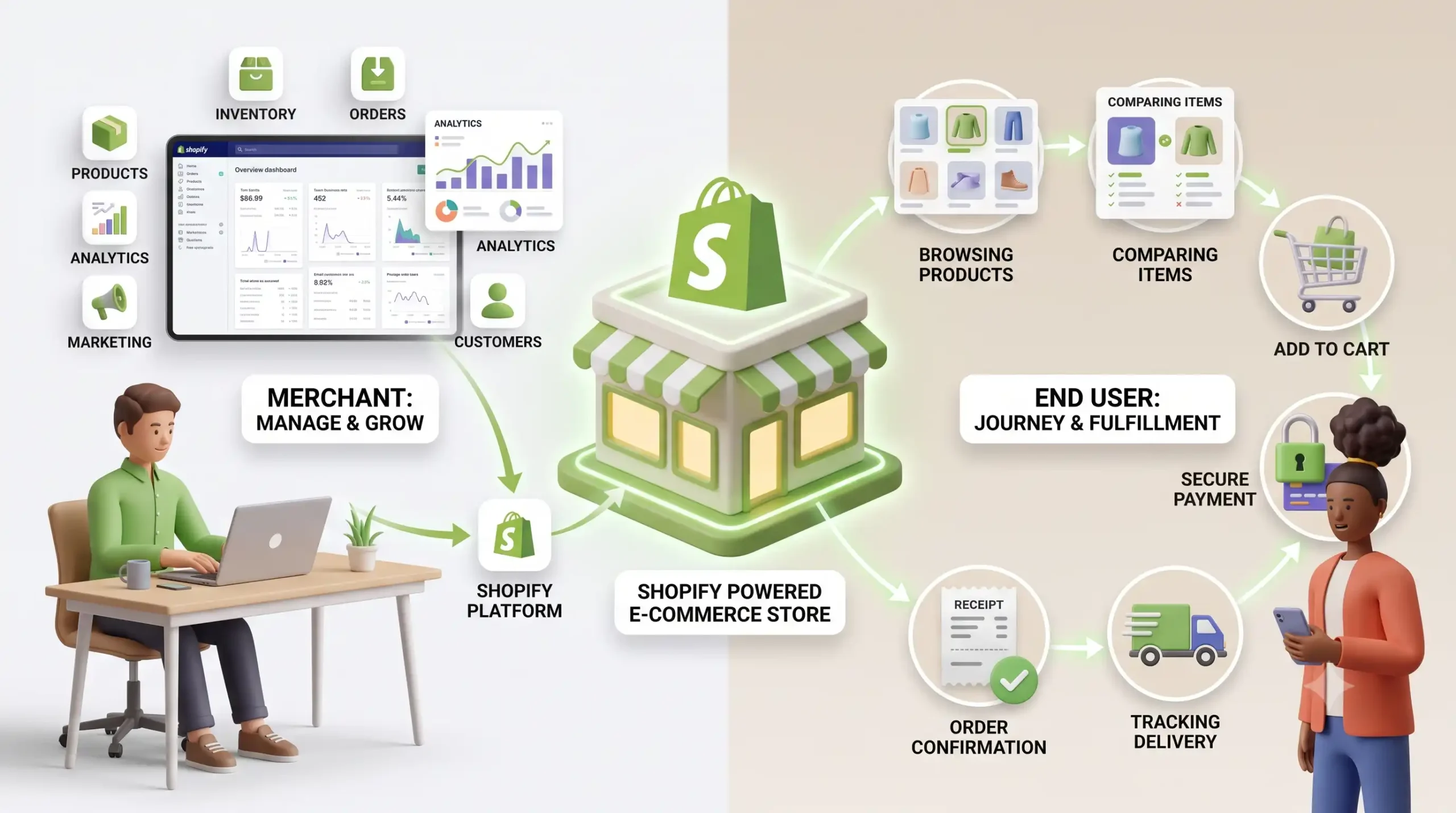
Ocean Technolab also offers a separate WhatsApp CRM platform with shared inboxes, chatbot flows, broadcasts, appointment booking, payment/invoice sharing and integrations with Shopify and WooCommerce.
7. Lead Assignment
As a business grows, simply receiving leads isn’t enough.
Leads need to reach the right salesperson.
A CRM can use rules such as:
New lead → Check territory → Check product → Assign salesperson
For example, a business with multiple sales representatives could automatically route leads according to:
- Territory
- Product
- Customer type
- Sales team
- Custom business rules
Ocean CRM supports automated assignment based on territory, product interest, or custom rules.
8. Automation
Automation is one of the biggest reasons businesses move beyond spreadsheets.
Imagine:
New lead arrives
↓
CRM creates lead
↓
Lead assigned to salesperson
↓
Salesperson receives notification
↓
Follow-up reminder created
↓
WhatsApp message sent
↓
Lead moves through sales pipeline
This can reduce repetitive administrative work.
Ocean Technolab’s CRM and automation offering describes no-code workflows for lead assignment, follow-ups, notifications and other sales processes.
9. Reporting and Analytics
A CRM should help answer business questions.
For example:
- How many leads came this month?
- Which channels generate the most leads?
- What percentage of leads convert?
- Which salesperson handles the most opportunities?
- How long does a deal take to close?
- Where are leads getting stuck?
- Which marketing channels generate revenue?
These insights can help a business make decisions based on data rather than assumptions.
Ocean CRM provides sales dashboards, conversion reports, pipeline visibility and source tracking.
10. Mobile Access
Sales teams aren’t always sitting in front of a desktop computer.
They may be:
- Visiting customers
- Traveling
- Attending meetings
- Working from different locations
- Responding to leads outside office hours
A mobile CRM allows salespeople to access their pipeline while they are away from their desks.
Ocean CRM currently includes mobile apps for Android and iOS, with features such as lead management, alerts, calling, WhatsApp access and pipeline visibility.
11. Ease of Use
This is one of the most important CRM features—and one that businesses often underestimate.
A CRM can have hundreds of features and still fail if employees don’t use it.
Why?
Because employees may see it as extra work.
If adding a lead requires ten steps, salespeople may return to WhatsApp or spreadsheets.
A good CRM should make the correct process easier than the old process.
This means looking for:
- Simple navigation
- Quick lead creation
- Clear dashboards
- Easy follow-ups
- Minimal repetitive data entry
- Mobile accessibility
- Simple reporting
The goal is:
CRM adoption, not CRM complexity.
12. AI-Powered CRM Features
AI is increasingly appearing in CRM software.
But businesses should ask an important question:
Does the AI actually save time or improve decision-making?
Useful AI applications can include:
- Extracting lead information
- Lead prioritization
- Summarizing conversations
- Generating follow-up messages
- Identifying important customer information
- Automating repetitive data entry
Ocean CRM currently includes an AI Smart Paste feature that extracts lead information from sources such as WhatsApp, emails and forms, reducing manual data entry.
AI should therefore be evaluated based on the business problem it solves—not simply because the product has “AI” in its marketing.
13. Customization
Every business has a different sales process.
A real estate company may need:
Inquiry → Property Selection → Site Visit → Negotiation → Booking
A manufacturer may use:
Inquiry → Requirement → Technical Discussion → Quotation → Negotiation → Purchase Order
A consulting business may use:
Lead → Discovery Call → Proposal → Negotiation → Contract → Client
A CRM should be flexible enough to support the business’s workflow rather than forcing every company into the same pipeline.
14. Integrations
A CRM becomes significantly more useful when it connects with the tools your business already uses.
Potential integrations include:
- Website forms
- Google Ads
- IndiaMART
- Justdial
- Payment systems
- ERP
- Accounting software
- Marketing platforms
- APIs
- Webhooks
Ocean CRM currently supports integrations and lead sources including Facebook, WhatsApp, IndiaMART, Justdial, websites and webhooks.
Ocean Technolab also describes API integrations with existing business tools as part of its CRM and automation services.
15. Data Security and Access Control
Your CRM may contain valuable business information.
That can include:
- Customer contact information
- Sales history
- Pricing
- Business requirements
- Internal notes
- Communication history
- Deal information
Therefore, security should not be treated as an optional feature.
Ask about:
- User permissions
- Role-based access
- Authentication
- Backups
- Data protection
- Audit trails
- Data ownership
- Account security
The right security approach will depend on the CRM architecture and your business requirements.
16. Pricing: What Should a Small Business Actually Pay?
CRM pricing can be confusing.
Different products may use:
- Per-user pricing
- Monthly subscriptions
- Annual subscriptions
- Feature-based plans
- Usage-based pricing
- Custom enterprise pricing
But price alone shouldn’t determine the decision.
Consider the total cost of ownership .
For example:
Subscription + setup + integrations + training + migration + support
A cheaper CRM that your employees don’t use can ultimately be more expensive than a slightly more capable system that becomes part of the team’s daily workflow.
CRM vs Excel: When Should You Make the Switch?
Many small businesses start with Excel.
And that’s perfectly reasonable.
Excel can work when:
- The number of leads is small
- One or two people manage sales
- Follow-ups are simple
- There are few lead sources
But as the business grows, problems start appearing.
For example:
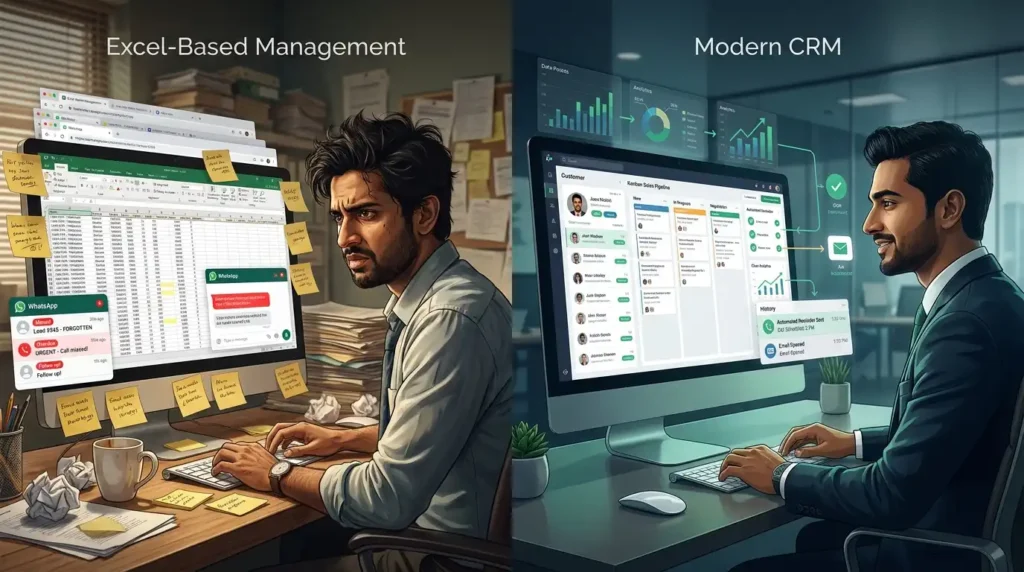
Excel doesn’t automatically know that a customer sent you a WhatsApp message.
Excel doesn’t automatically assign a Facebook lead to a salesperson.
Excel doesn’t automatically remind your team about every follow-up.
Excel doesn’t provide a centralized customer communication history.
This is where CRM software becomes more useful.
Common CRM Mistakes Small Businesses Make
Choosing Too Many Features
More features don’t automatically mean better software.
Choose capabilities that solve real problems.
Choosing Only Based on Price
Look at total value rather than subscription cost alone.
Not Training Employees
Even a good CRM fails if the team doesn’t understand how and why to use it.
Not Defining the Sales Process
Before configuring a CRM, understand your actual sales journey.
Keeping Lead Sources Separate
If leads arrive through five different channels, try to centralize them.
Ignoring Data Quality
Duplicate contacts, incorrect phone numbers, and incomplete records can make CRM reporting unreliable.
Treating CRM as Just a Database
A CRM should support an active process:
Capture → Assign → Follow Up → Nurture → Convert
A Practical CRM Checklist for Small Businesses in India
Before choosing a CRM, ask whether it provides the capabilities you actually need.
- Lead management
- Contact management
- Sales pipeline
- Follow-up reminders
- Multiple lead sources
- WhatsApp integration
- Email integration
- Automated lead assignment
- Sales automation
- Reports and analytics
- Mobile access
- Custom fields and workflows
- User permissions
- Data security
- Third-party integrations
- Easy onboarding
- Customer support
- Transparent pricing
Not every business needs every feature.
The right checklist is the one that matches your sales process.
Why Ocean CRM Is Worth Considering
For Indian small and growing businesses, one of the biggest challenges is that leads often arrive through multiple channels.
Ocean CRM is designed around this specific problem.
The platform currently brings leads from channels including Facebook, WhatsApp, IndiaMART, Justdial, website forms and manual entry into a centralized CRM environment.
From there, businesses can:
Capture → Assign → Organize → Follow Up → Close
Ocean CRM provides features such as:
AI Smart Paste
AI can extract lead information from sources such as WhatsApp, emails and forms, helping reduce manual data entry.
WhatsApp Automation
Businesses can automate WhatsApp messages and follow-ups as part of their lead workflows.
Automated Lead Assignment
Leads can be routed to salespeople using rules such as territory or product interest.
Sales Pipeline
Teams can track leads from their first inquiry through the closing stage.
Reporting
Businesses can monitor pipeline activity, conversions and lead sources.
Mobile CRM
Sales teams can manage leads and pipeline activity from Android and iOS devices.
WhatsApp Web Extension
Ocean CRM also provides a Chrome extension that brings CRM activities and lead history into WhatsApp Web, reducing the need to repeatedly switch between applications.
Who Can Benefit From Ocean CRM?
Ocean CRM is positioned particularly toward Indian businesses that manage significant numbers of leads and customer inquiries.
Its current use cases include:
- Manufacturing
- Professional services
- Real estate
- Education
- Automotive
- Banking and finance
- Beauty businesses
- Travel
- Restaurants
- Fashion
- Home decor
- B2B sales
- Agencies
- Consulting
The product’s industry pages focus on adapting lead workflows to different business models rather than assuming every company follows the same sales process.
How to Decide If Ocean CRM Is Right for Your Business
Ocean CRM may be worth evaluating if your business:
- Receives leads from multiple channels
- Uses WhatsApp heavily for sales
- Manages leads through spreadsheets
- Has multiple salespeople
- Frequently misses follow-ups
- Needs better sales visibility
- Wants to automate repetitive lead-management tasks
- Needs mobile access for sales teams
- Wants Facebook/Meta and marketplace leads centralized
However, the best way to evaluate any CRM is to test it against your own workflow.
Take five real leads.
Put them through the system.
Ask:
Can my team capture them quickly?
Can we assign them correctly?
Can we remember every follow-up?
Can management see what is happening?
Can we measure where the leads came from and what happened to them?
If the answer is yes, you are looking at a CRM that may actually fit your business.
The Best CRM Is the One Your Team Actually Uses
There is no universal CRM that is perfect for every small business.
A manufacturing company, real estate agency, consulting firm and e-commerce business can have completely different sales processes.
So instead of asking:
“Which CRM has the most features?”
ask:
“Which CRM makes my team’s actual sales process easier?”
For a small business, the ideal CRM should help accomplish a few fundamental things:
Capture every lead.
Keep customer information organized.
Make follow-ups consistent.
Give sales teams visibility.
Automate repetitive work.
Help management understand the pipeline.
That’s ultimately what CRM software should do.
Discover Ocean CRM
If your business is still managing leads through a combination of WhatsApp, spreadsheets, phone calls, emails, and disconnected tools , it may be time to bring the process into one system.
Ocean CRM is built around lead capture, organization, follow-ups, sales pipeline management and automation for Indian businesses. Its current offering includes a web CRM, mobile apps and WhatsApp integration designed to keep sales activity connected.
Ready to see how it works?
Start with your own sales process, test the workflow, and see whether Ocean CRM can help your team capture more leads, follow up more consistently, and manage the entire customer journey from one place.