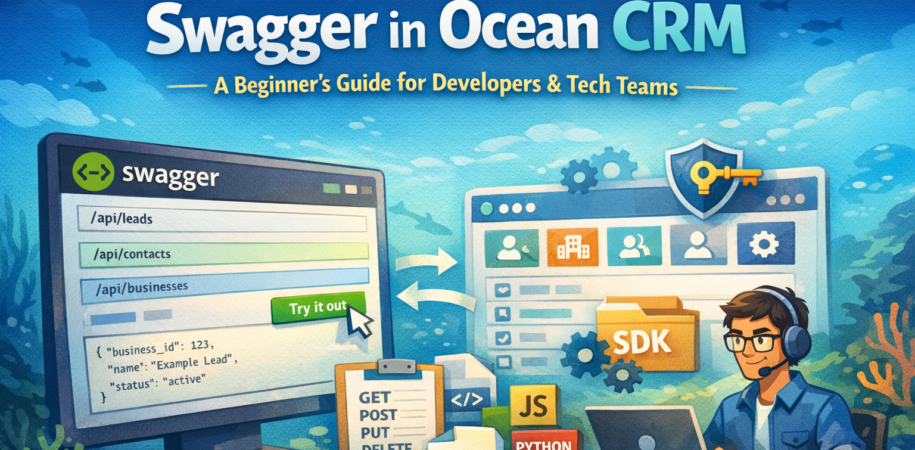

Swagger is a tool that automatically generates a visual “instruction manual” for your API. It allows you to visualize and interact with your API’s resources without having to look at a single line of source code.
What is Swagger?
Swagger is a tool that helps teams understand and use APIs easily.
In simple terms, Swagger:
- Explains what APIs are available
- Shows how to call each API
- Defines what data to send and what data you will get back
- Lets you test APIs directly from the browser
Swagger is based on the OpenAPI standard and acts as a single source of truth for APIs.
Why Swagger is important
Without Swagger:
- APIs feel confusing
- Developers guess request formats
- Integration takes more time
- Bugs increase
With Swagger:
- APIs are clear and predictable
- Everyone follows the same contract
- Integration becomes faster and safer
How Swagger is used in Ocean CRM
Ocean CRM uses Swagger to document all its REST APIs.
Swagger clearly defines:
1. Endpoints
What actions you can perform:
- Create leads
- Update businesses
- Fetch contacts
- Delete records
Each endpoint shows:
- URL path
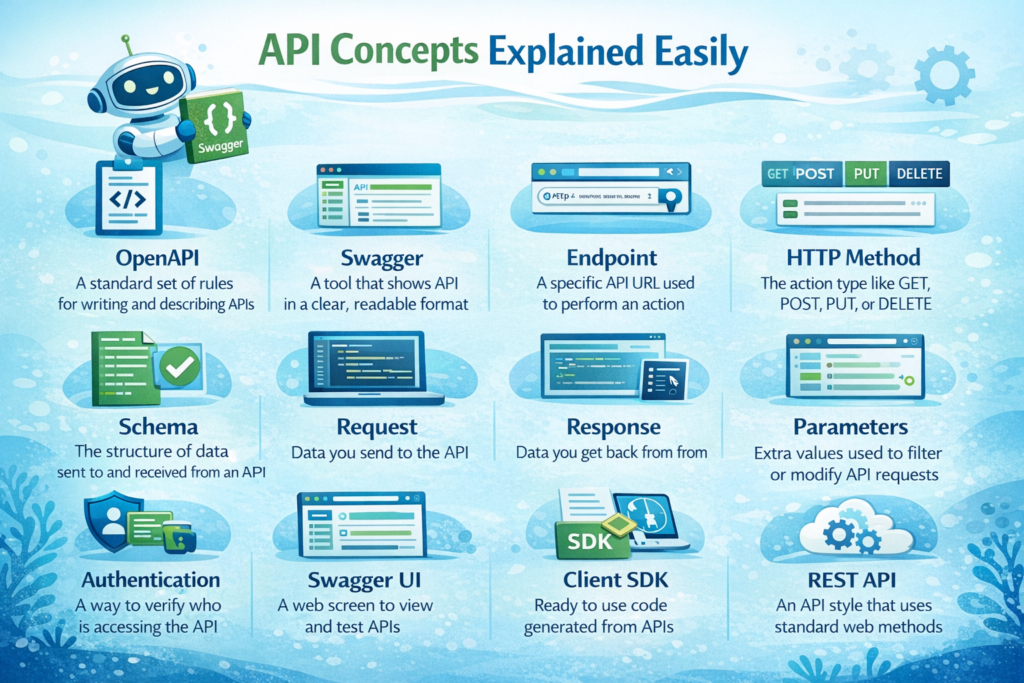
- HTTP method (GET, POST, PUT, DELETE)
2. Schemas
Defines request and response structure:
- LeadResponse
- LeadCount
- Business, Contact, Appointment objects
You know exactly:
- Which fields are required
- Data types (string, number, date)
3. Parameters
Explains:
- Query filters
- Pagination
- Authentication headers
4. Modules
Ocean CRM APIs are grouped by modules:
- Auth
- Leads
- Businesses
- Contacts
- Appointments
- Products
- Sources
- Users
- Stages
Benefits of Swagger in Ocean CRM
- Clear API contract
- Easy to read documentation
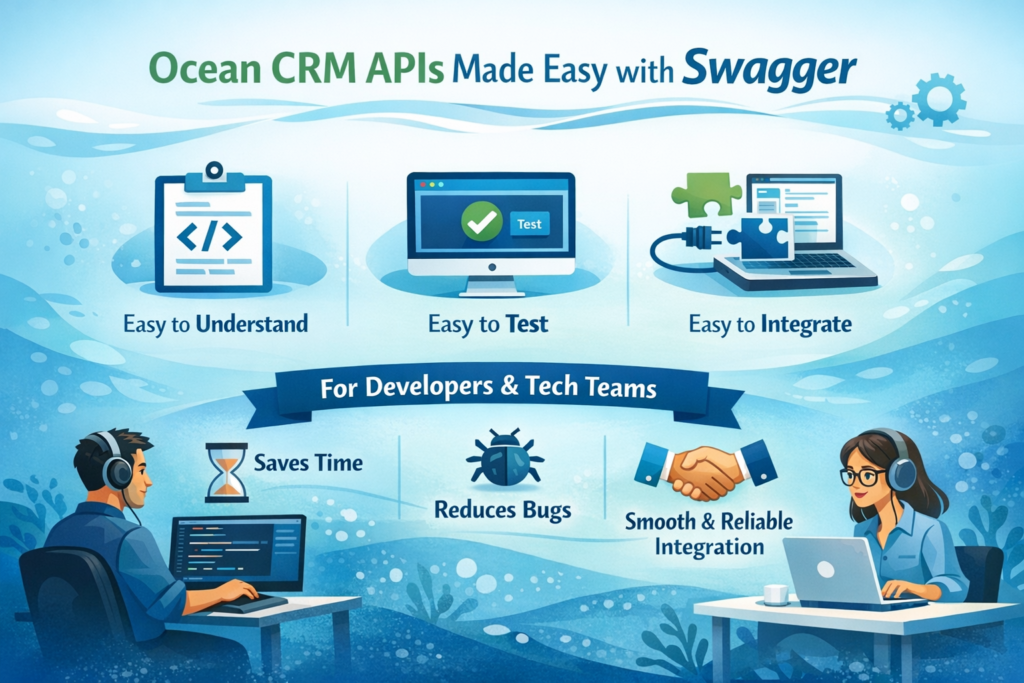
- Interactive testing using Swagger UI
- Auto generation of client SDKs
- Request and response validation
How Developers Use Swagger to Integrate with Ocean CRM
1. Understand API Structure
- Review endpoints, methods (GET, POST, PUT, DELETE)
- Check request/response schemas
- Identify required vs optional parameters
2. Authentication
- Learn how to obtain API keys/tokens
- Implement auth headers in requests
3. Build Integration
- Use endpoint documentation to construct API calls
- Map CRM data to your system’s data model
- Handle pagination and filtering
4. Generate Client SDKs
- Auto-generate SDKs in Python, JavaScript, Java, etc.
- Use generated code instead of manual HTTP calls
- Reduces bugs and saves development time
5. Test Before Deployment
- Use Swagger UI to test endpoints interactively
- Verify request formats and response structures
- Check error handling
6. Handle Errors
- Reference error codes/messages documented in Swagger
- Implement retry logic for failed requests
- Log errors appropriately
7. Monitor & Maintain
- Track API version changes in Swagger specs
- Update integration code when APIs change
- Validate data consistency
Simple example: Syncing leads from Ocean CRM
A developer wants to sync leads:
- Open Swagger
- Check
/api/leadsendpoint - Review required fields like
business_id,stage - Send request with correct parameters
- Parse response using documented schema