
Working alone is easy.
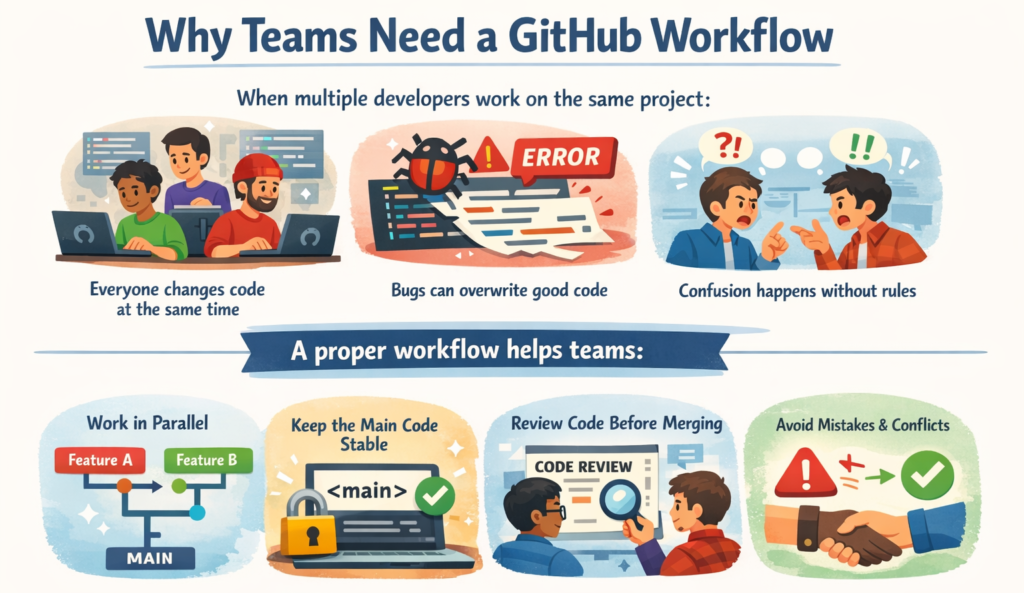
Working in a team needs rules, discipline, and a clear workflow.
GitHub provides a safe and organized way for teams to work together without breaking each other’s code. In this blog, you’ll learn a real-world GitHub workflow that teams actually use.
Branching Strategy (Main, Develop & Feature Branches)
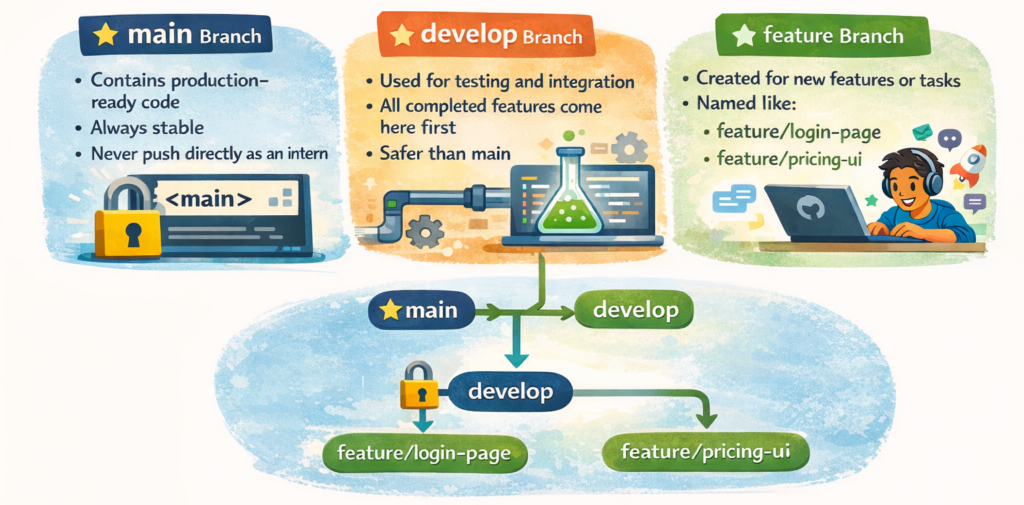
A branch is like a separate workspace for your code.
Common Branch Types Used by Teams:
mainBranchdevelopBranchfeatureBranch
When Should You Create a Branch?
Create a new branch when:
- Starting a new feature
- Fixing a bug
- Improving UI or content
- Doing an experiment
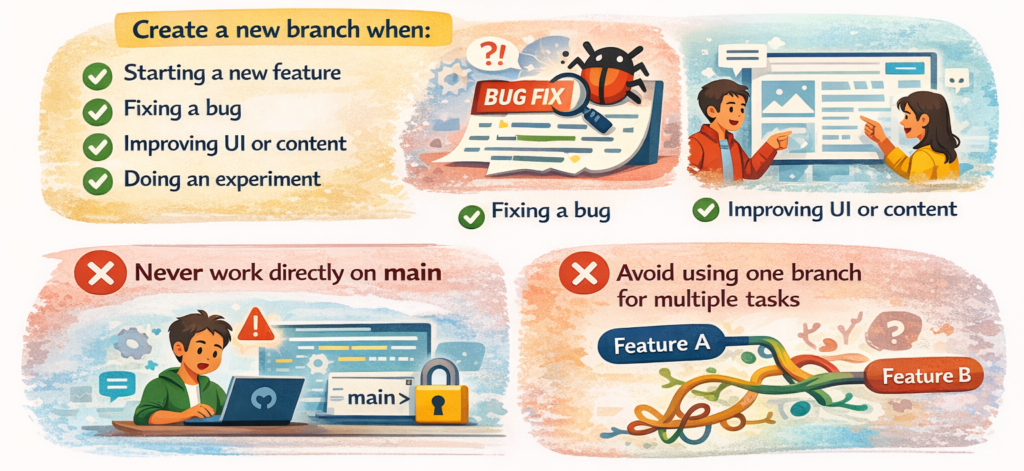
Simple rule for interns & fresh developers:
One task = One branch
How Teams Collaborate Safely Using GitHub
Real Team Workflow (Step-by-Step)
- Pull latest code from
developgit pull origin develop
“Always start with updated code to avoid conflicts.” - Create & switch to a feature branch
git switch -c feature/login-form
“-c→ create a new branch”
“switch→ move to that branch” - Write code + commit changes
git add .
git commit -m "Add login form UI"
“Keep commits small and messages clear.” - Push branch to GitHub
git push origin feature/login-form
“Your branch is now visible on GitHub.” - Create Pull Request (PR) on GitHub
- Open GitHub repo
- Click Compare & Pull Request
- Team will:
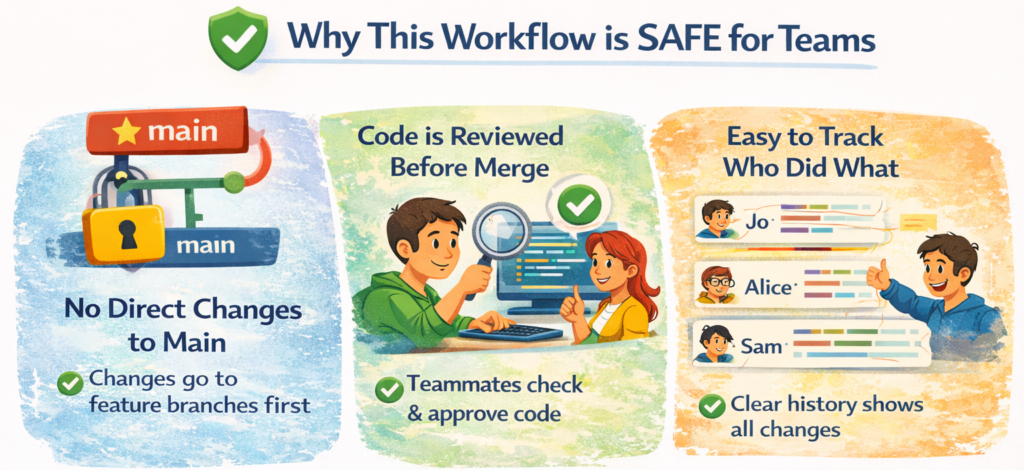
- Review your code
- Give suggestions
- Approve and merge
Handling Merge Conflicts (Basic Explanation)
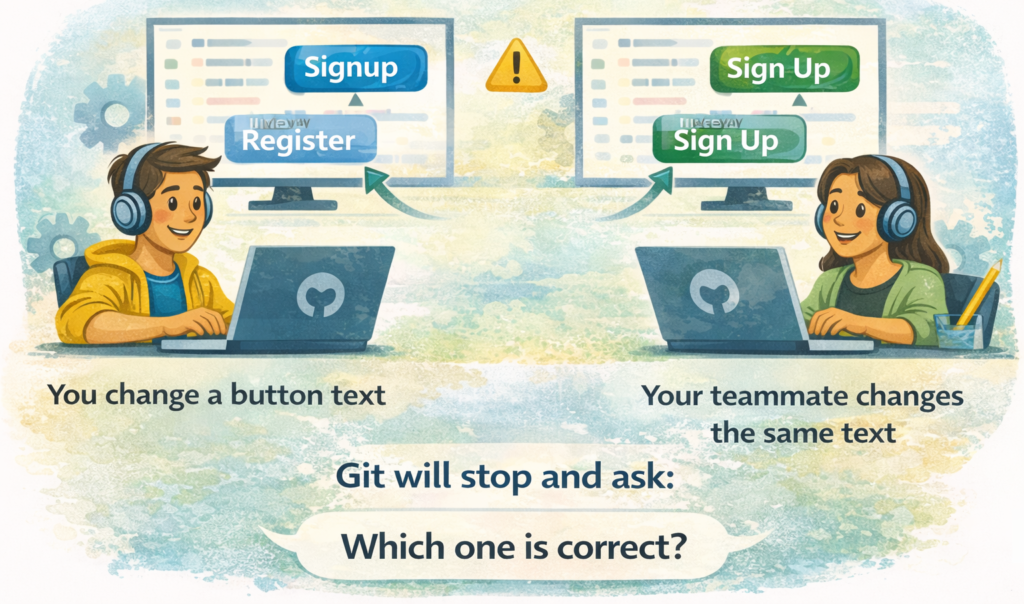
A merge conflict happens when:
- Two people edit the same line
- Git gets confused which one to keep
How to Handle a Merge Conflict
- Open the conflicted file
- Read both changes carefully
- Decide which code to keep (or combine both)
- Remove conflict markers
- Save the file
- Commit again
git add .
git commit -m "Resolve merge conflict"
Best Practices for Team Projects
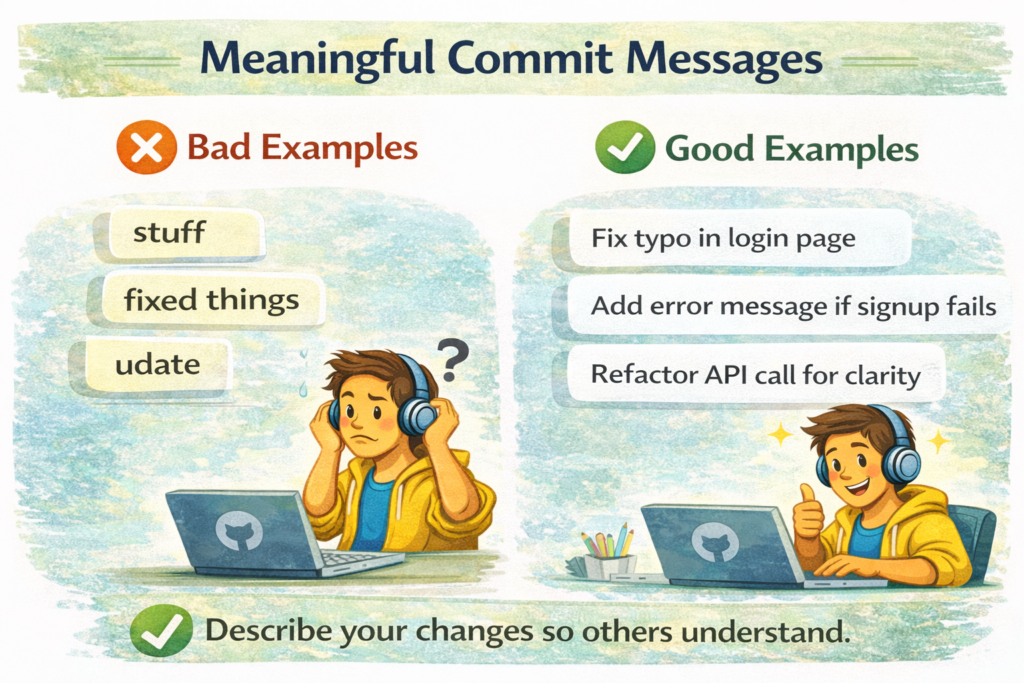
Meaningful Commit Messages:
- Bad (unclear):
- update
- fix
- changes
- Good (clear & specific):
- Add login validation
- Fix pricing page alignment
- Update footer links
Rule:
A commit message should explain what changed in one short sentence.
Make Small Commits:
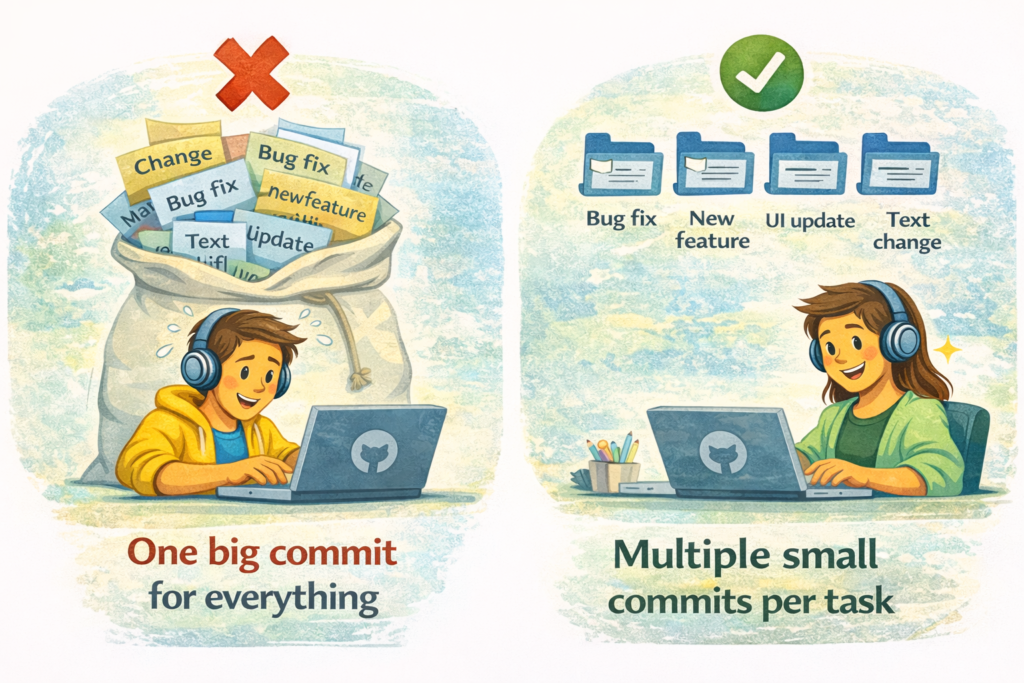
Why small commits are better:
- Easy to review
- Easy to fix bugs
- Easy to rollback
- Easy for teammates to understand
Pull Code Regularly:
Always pull before starting work:
git pull origin develop
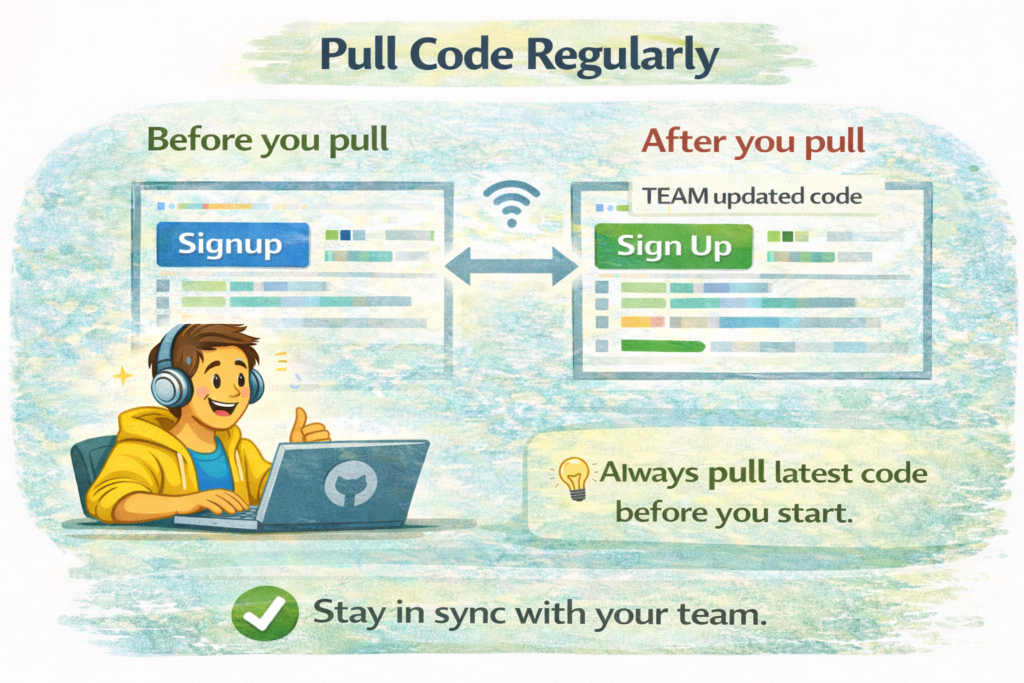
Why this matters:
✔ Get latest team changes
✔ Reduce merge conflicts
✔ No surprise errors later
Do’s and Don’ts for Interns & Fresh Developers
- Do’s
- Use feature branches for every task
- Ask before merging (use Pull Requests)
- Write clean & meaningful commit messages
- Follow team branch & naming rules
- Test your code before creating a PR
- Don’ts
- Don’t push directly to
main - Don’t commit broken or untested code
- Don’t ignore PR reviews & comments
- Don’t work without pulling latest code
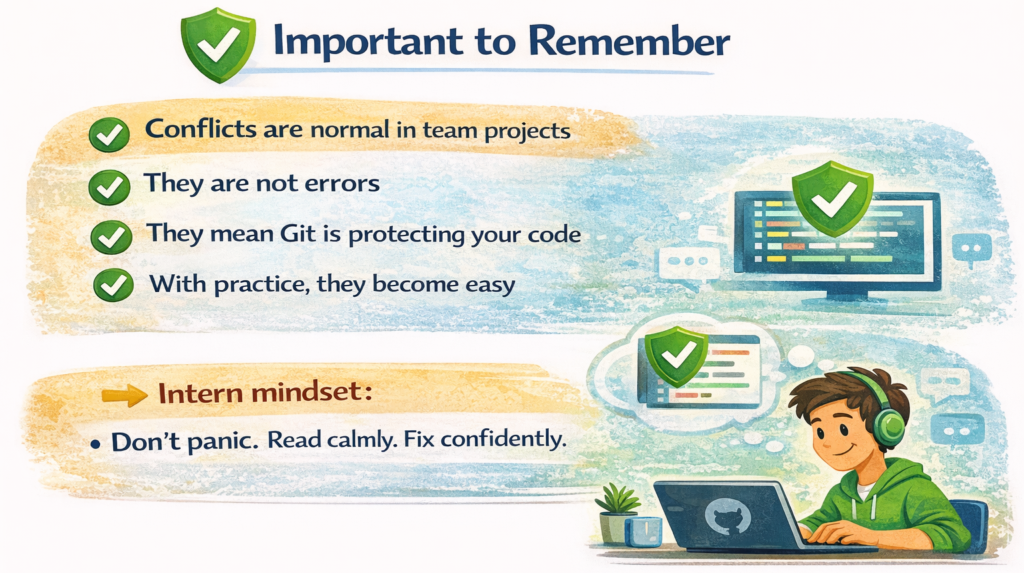
- Don’t panic during merge conflicts
- Don’t push directly to
Mastering the GitHub workflow is less about memorizing commands and more about communication. By using branches and PRs correctly, you’re not just managing code, you’re building trust with your team.